
Product registration and configuration in one panel
WEBiology is the web interface for registering and configuring IOLOGY products. Authorised partners track their projects, their products and each product's connection status here.
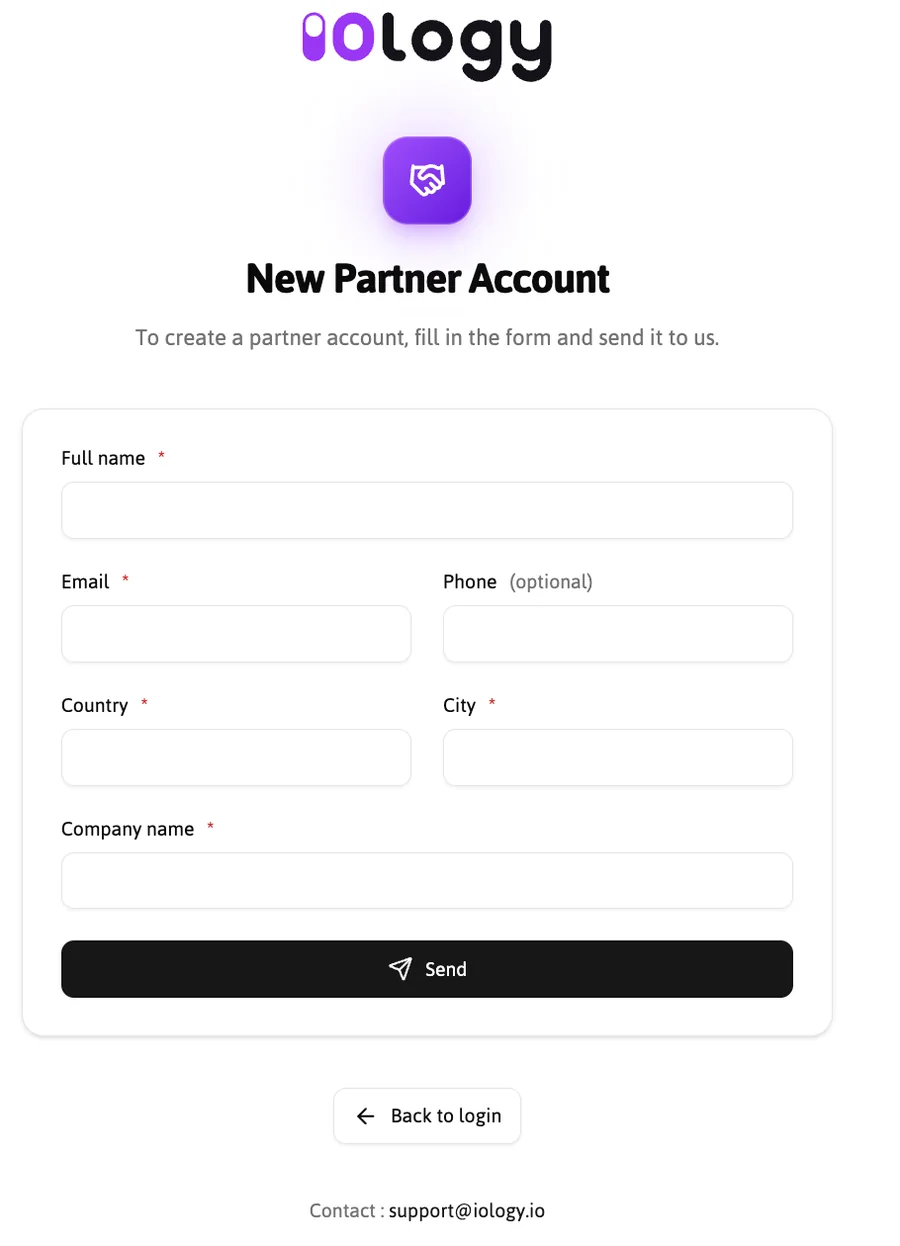
Four steps from application to configuration
-
01
Fill in the application form
Open Partner Login on iology.io and fill in the New Partner Account form.
-
02
Your account is approved
IOLOGY reviews your application; once approved, your account becomes active.
-
03
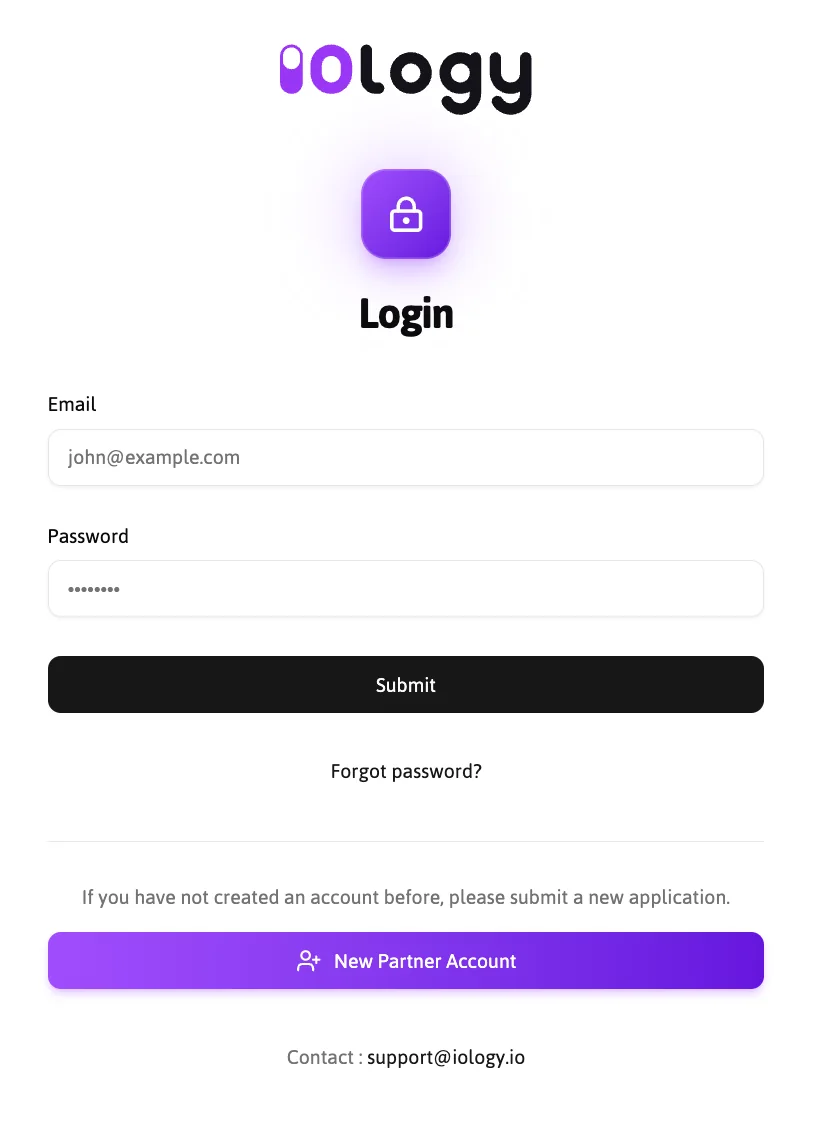
Log in
Log in on the Partner Login page with your account details to reach the panel.
-
04
Register and configure
Register your new products, add them to your projects and complete their configuration.
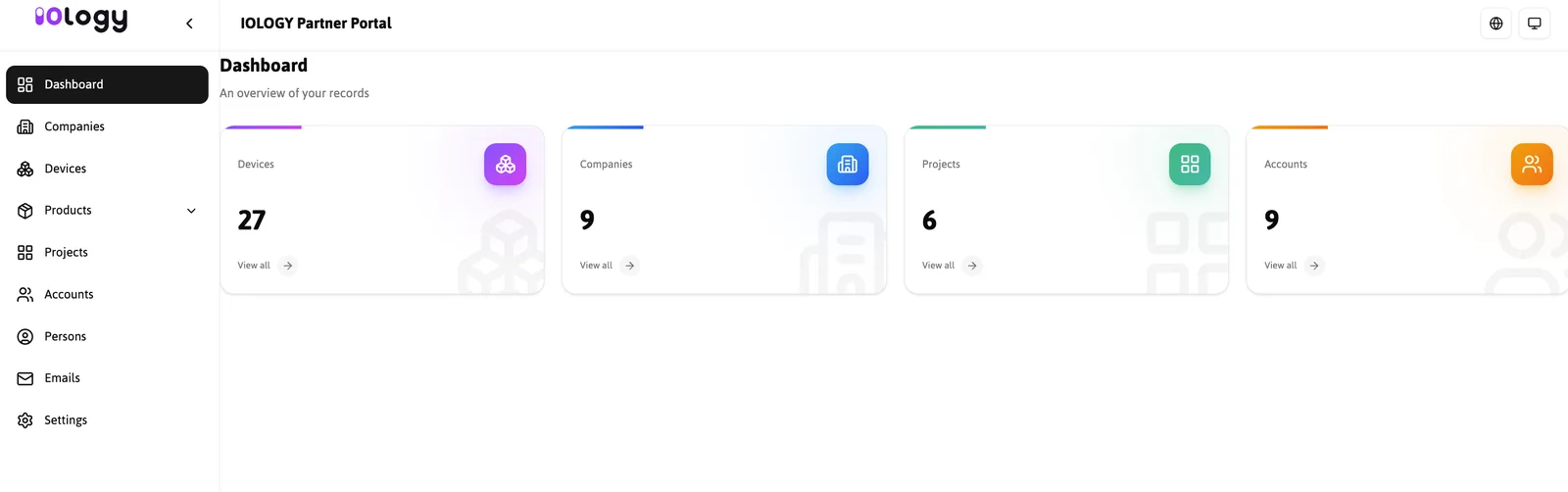
Your projects and products at a glance
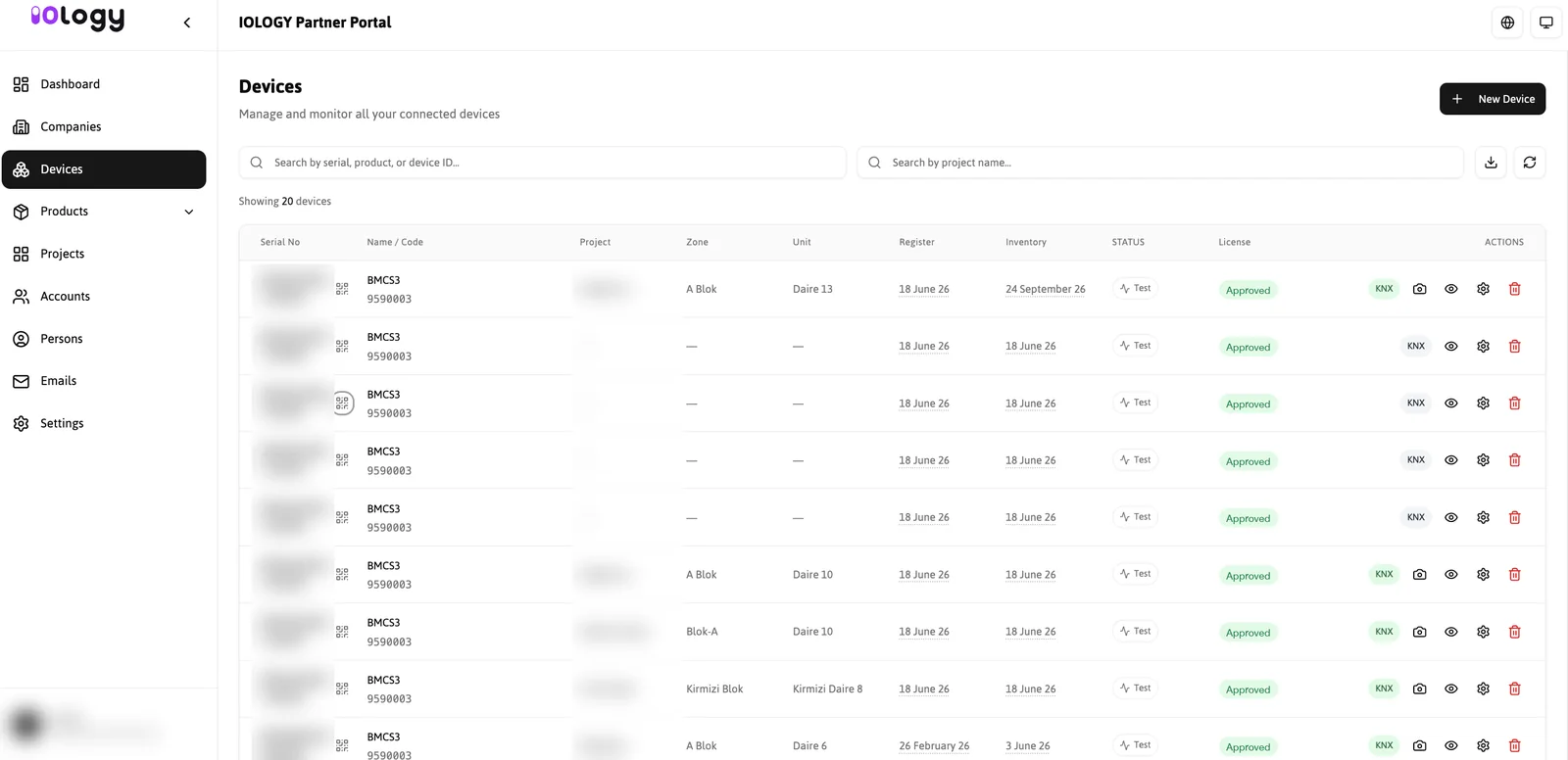
The dashboard greets you when you log in. You follow your products, your projects and each product's connection status on one screen.
- Product and project tracking on the dashboard
- Live connection status for every product
- New product registration and assignment to a project
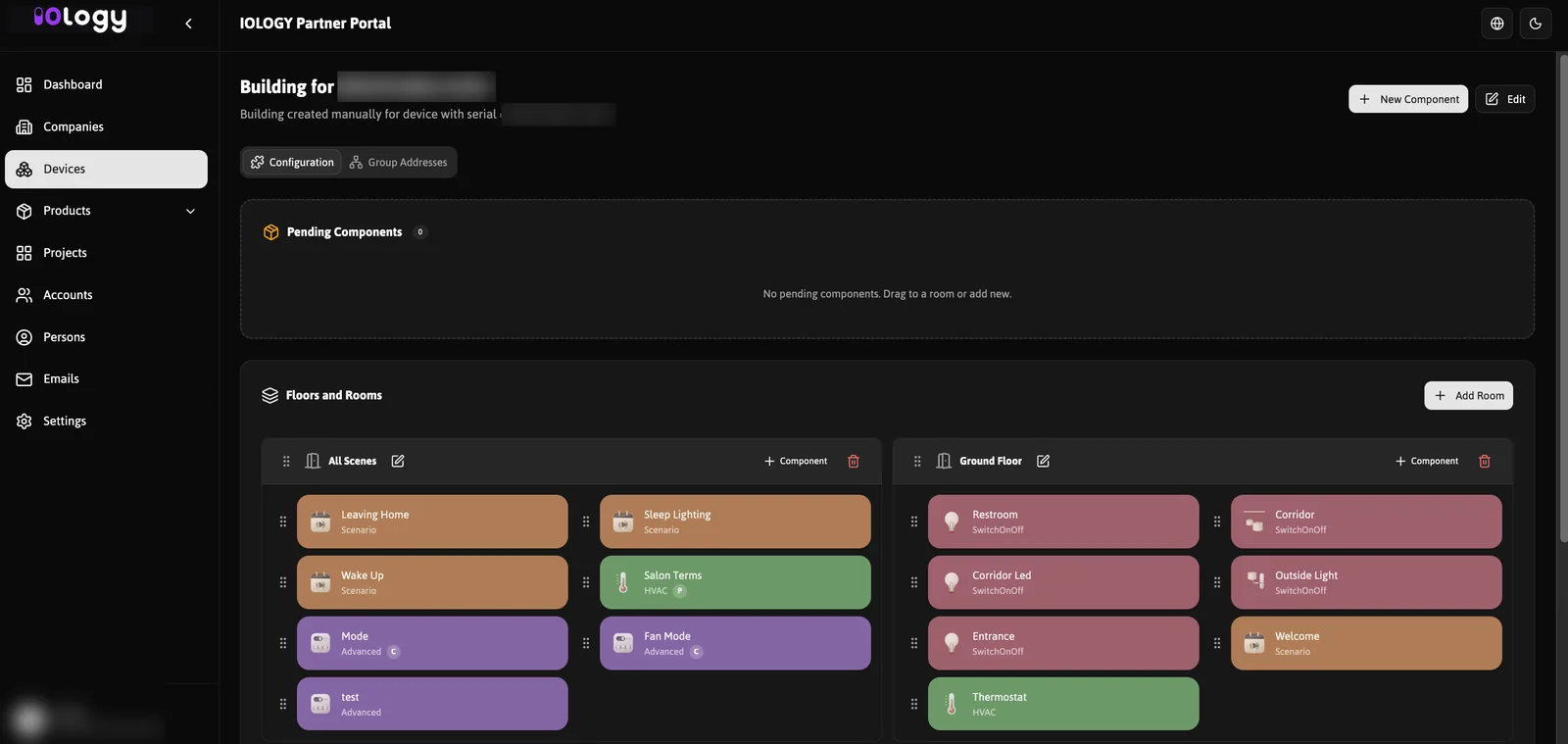
Every installation setting in one place
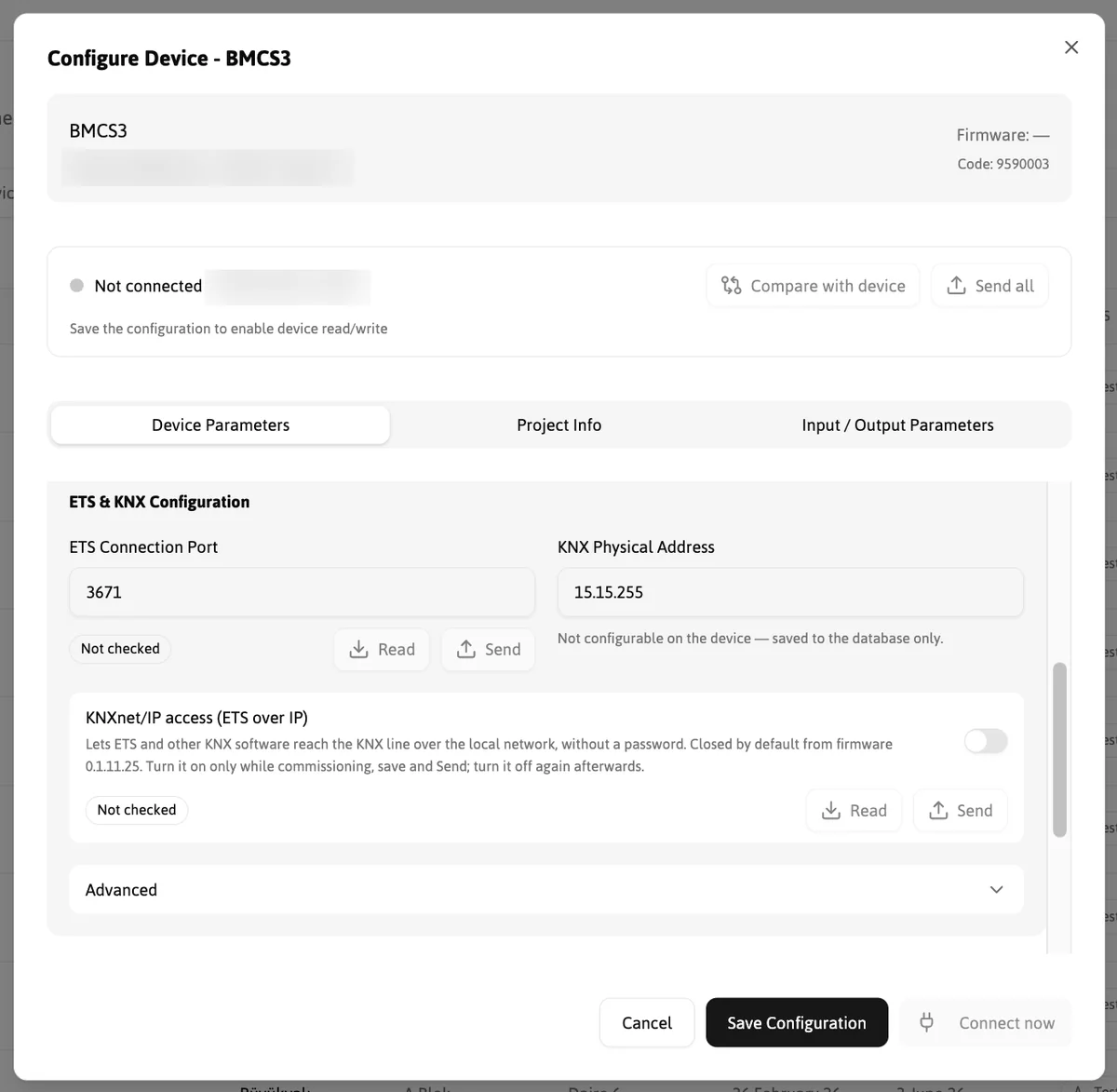
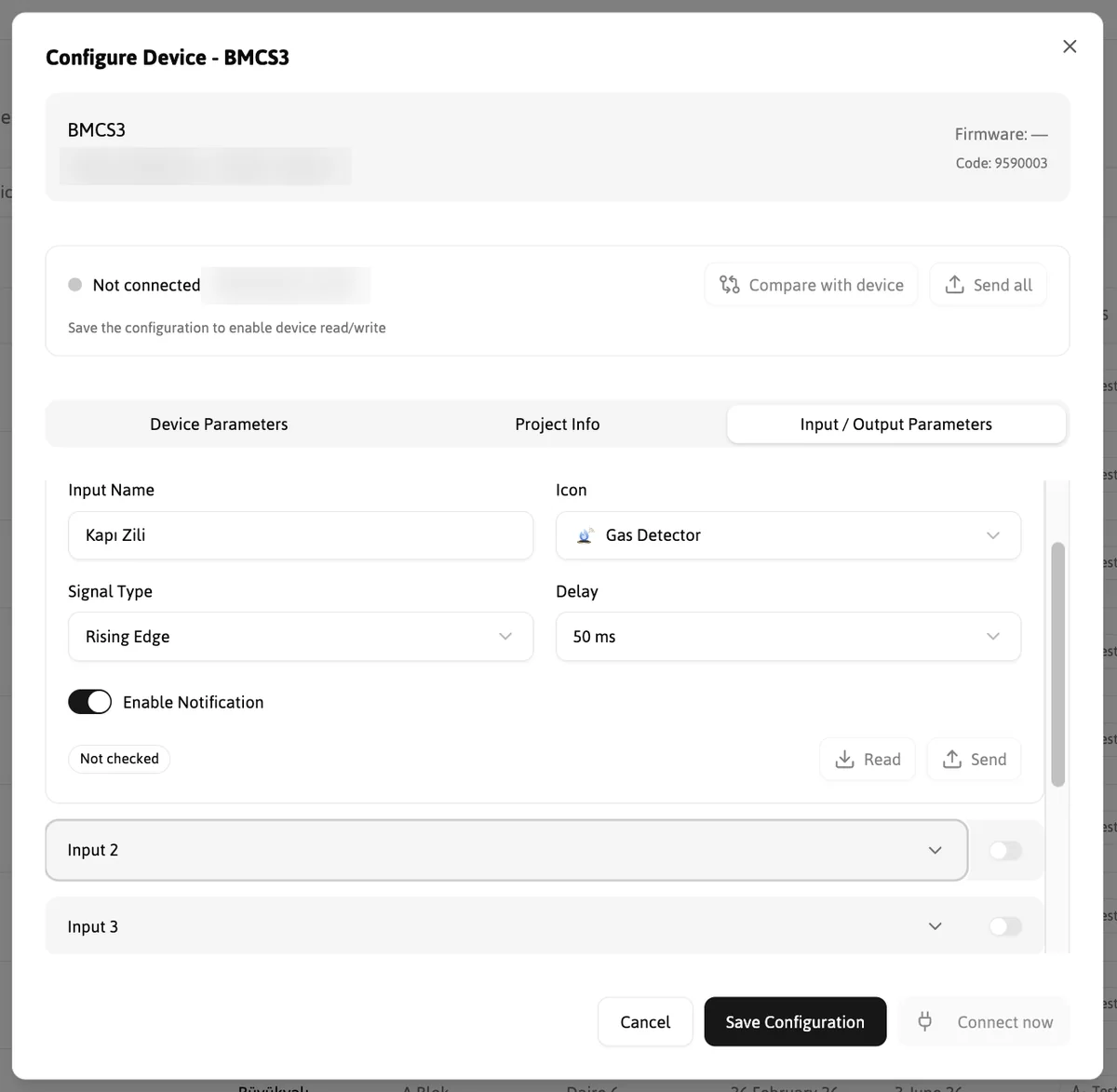
All the settings a product needs on site are made in WEBiology and sent to the device.
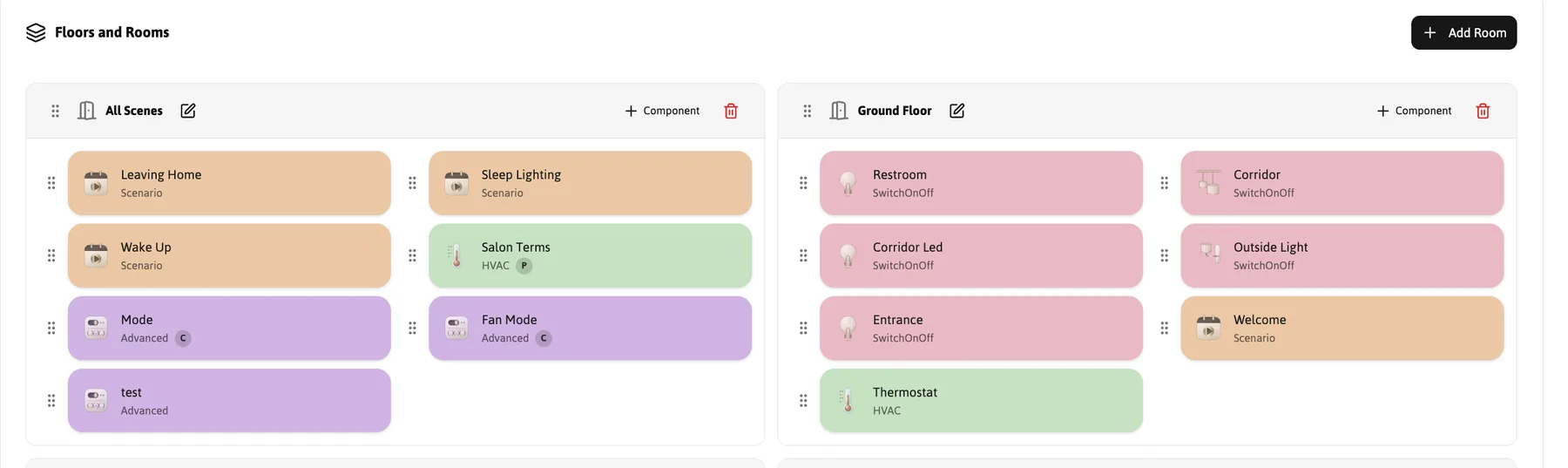
Building, floor and room
Create the project's building, floor and room structure and place products in the right spaces.
Components and group addresses
Create components such as lighting, climate and blinds, and enter their KNX group addresses.
Inputs and outputs
Name inputs and outputs and set their signal type and notification settings.
Network and KNX settings
Set the product's IP, DNS and KNX physical address from the panel.
Easy configuration with drag and drop, colours and icons
WEBiology is designed to stay clear and organised, even on large projects.
- Building structure and components are arranged with a drag-and-drop menu
- Each component type is recognisable by its own colour and icon
- Turkish and English interface
No partner account yet?
If you are a system integrator, fill in the application form. Once your account is approved, you can start using WEBiology.